

No comments on How to Build a Website Easily Using Elementor (Beginner-Friendly Guide)
Creating a professional website no longer requires advanced coding skills. With tools like Elementor, anyone can design a modern, responsive website with ease. In this guide, I’ll walk you through a simple method to build your own website using Elementor.
What is Elementor?
- User-Friendly Interface – Perfect for beginners
- Drag-and-Drop Builder – No coding required
- Pre-designed Templates – Save time with ready-made layouts
- Responsive Design – Works on mobile, tablet, and desktop
- Customization Options – Full control over design
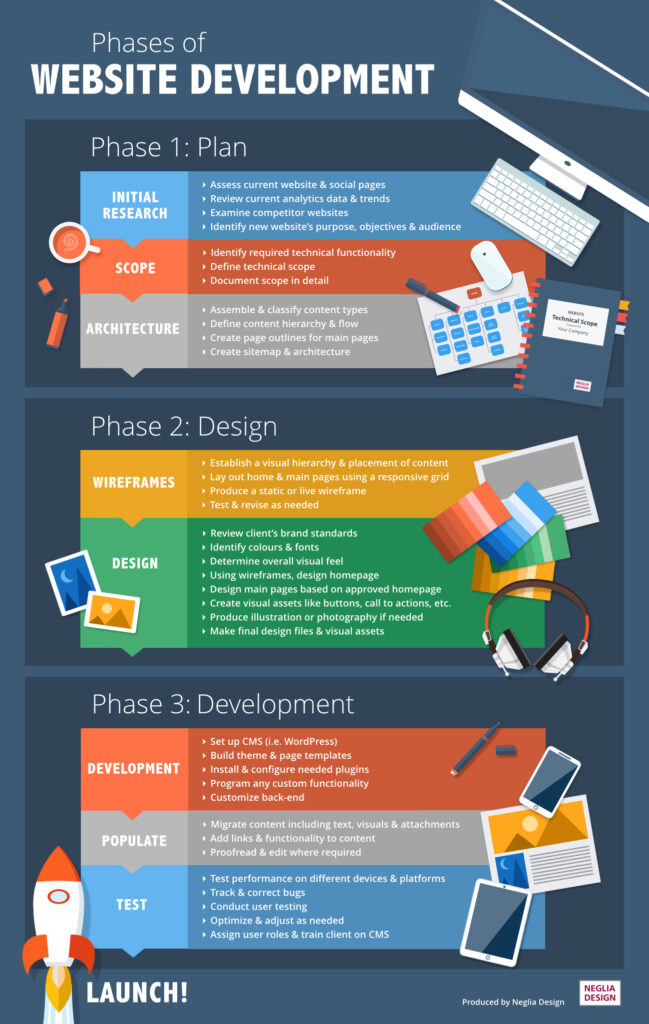
Step-by-Step Guide to Build a Website
- Get a Domain and Hosting
- Install WordPress
- Install Elementor Plugin
- Choose a Theme
- Create Your First Page
- Use Templates for Faster Design
- Customize Your Website
- Make Your Website Responsive
- Publish Your Website
Conclusion
Building a website has never been easier thanks to Elementor. Whether you’re creating a personal portfolio or a business site, Elementor gives you all the tools you need without requiring technical expertise.
Start today and bring your ideas to life!